- On Tokyo Metro, line colors and letter codes give you two ways to follow the network. Start by isolating a single line rather than decoding the entire map.
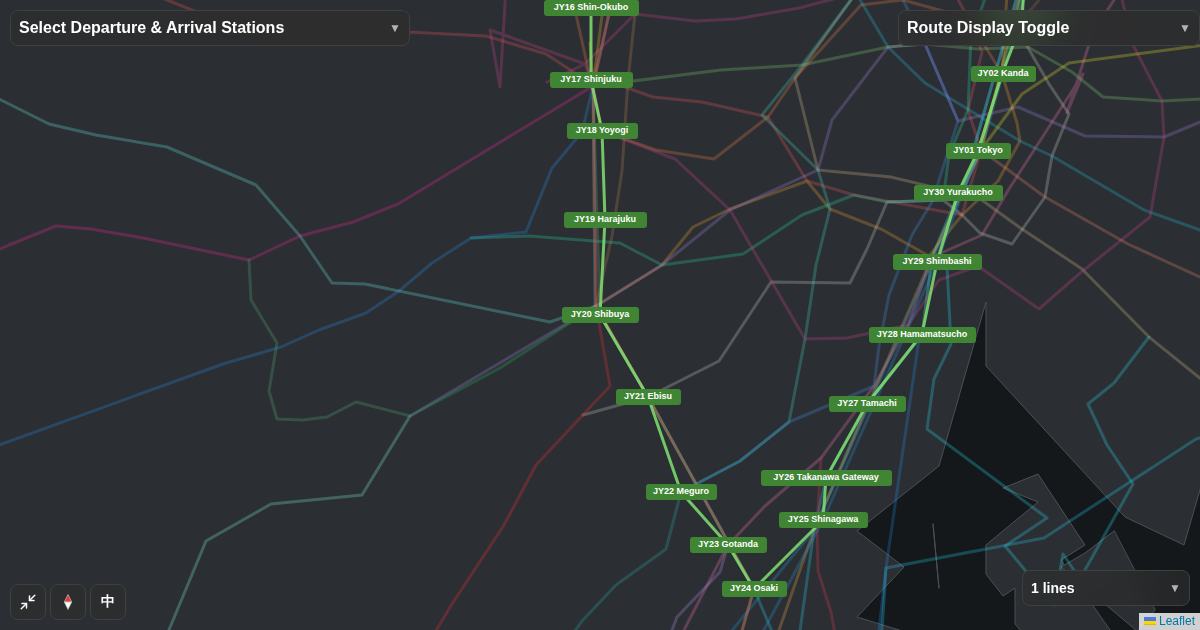
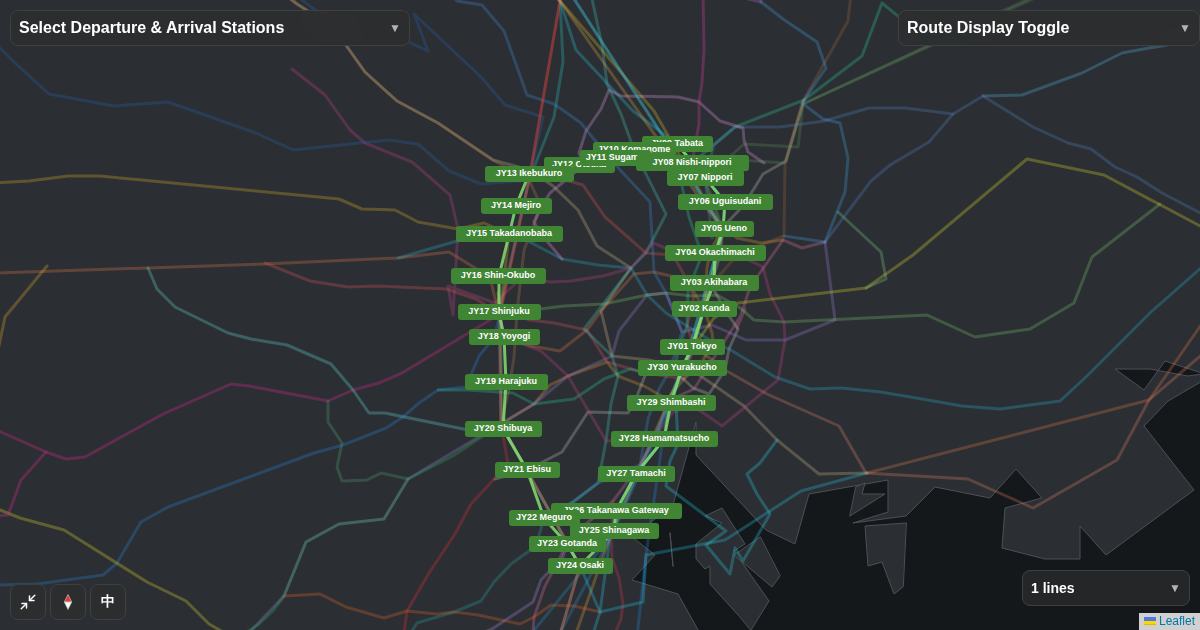
- Begin with the line shown below; keep other lines out of the way until you need a transfer.
- Verify station signs, the platform and your service with the operator before you travel.
01What to check first
On Tokyo Metro, line colors and letter codes give you two ways to follow the network. Start by isolating a single line rather than decoding the entire map. Before following a route search result, identify the railway operator, your destination station and any connecting line. Tourist attraction names, railway station names and platform labels answer different questions.
02Explore only the relevant railway
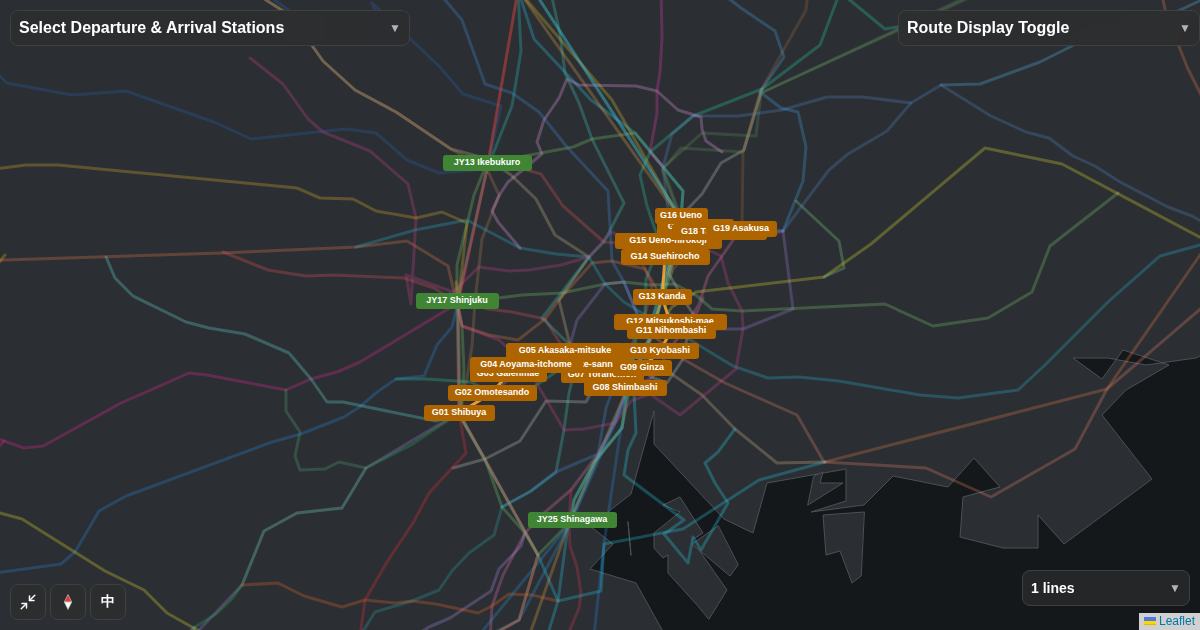
The map below focuses on the chosen railway instead of displaying every nearby service. Follow the connected sequence of stations and note which station you will reach before your destination. Zoom in to distinguish adjacent stops, then zoom out to see where this corridor sits in the wider network.
03What the map cannot tell you
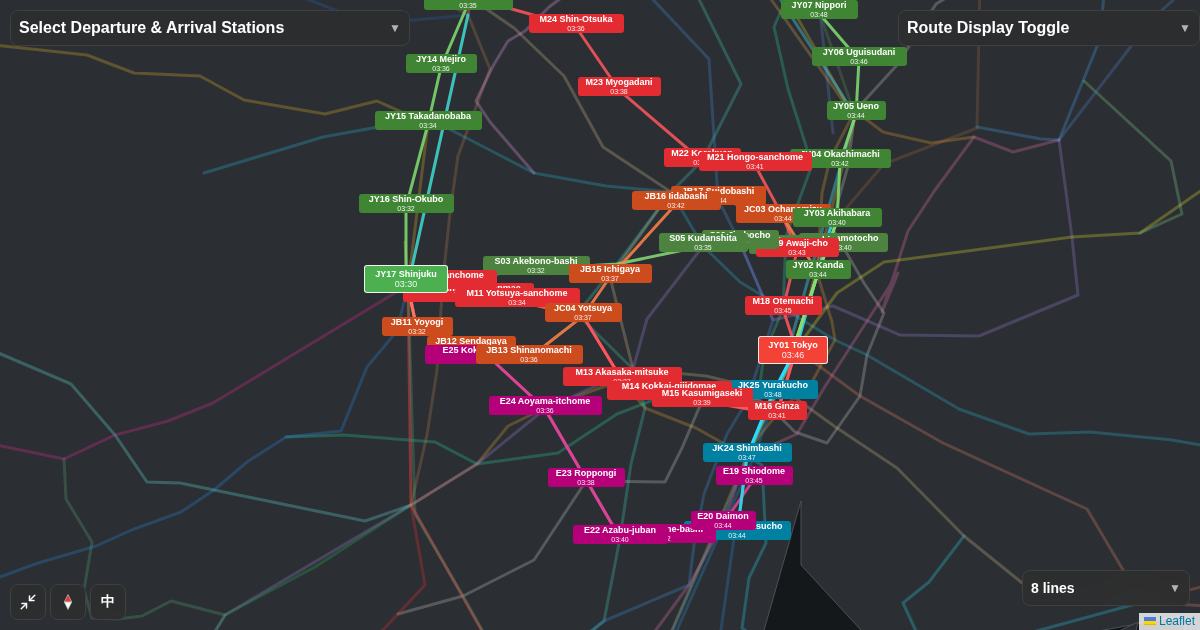
Color may be less useful when several lines overlap on a screen. Always read the operator and destination signs as well, especially when transferring. Map lines explain connectivity and rough location. They do not establish indoor walking distances, service frequency, fare validity, disruption status or which train stops at each station.
04Plan your next step
- Write down the destination and the actual railway station name.
- Use the interactive map to follow the relevant line and station order.
- Confirm the operator, platform, destination sign and current service on site.
Save the line name together with the station name so you can compare it with the signs you see at the station. If your itinerary contains another line, open that line separately before comparing the transfer. Keep an offline or written copy of the essential stop names in case network access is unavailable.
Open the interactive railway map
Continue with the same line selection in the full map.
Open the map →