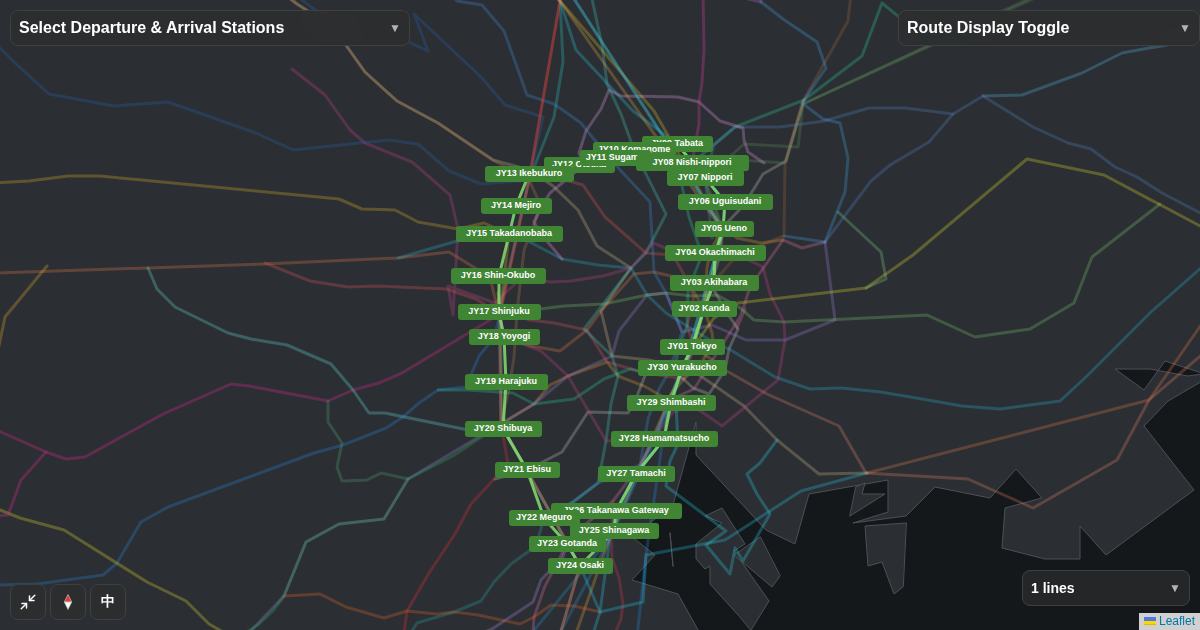
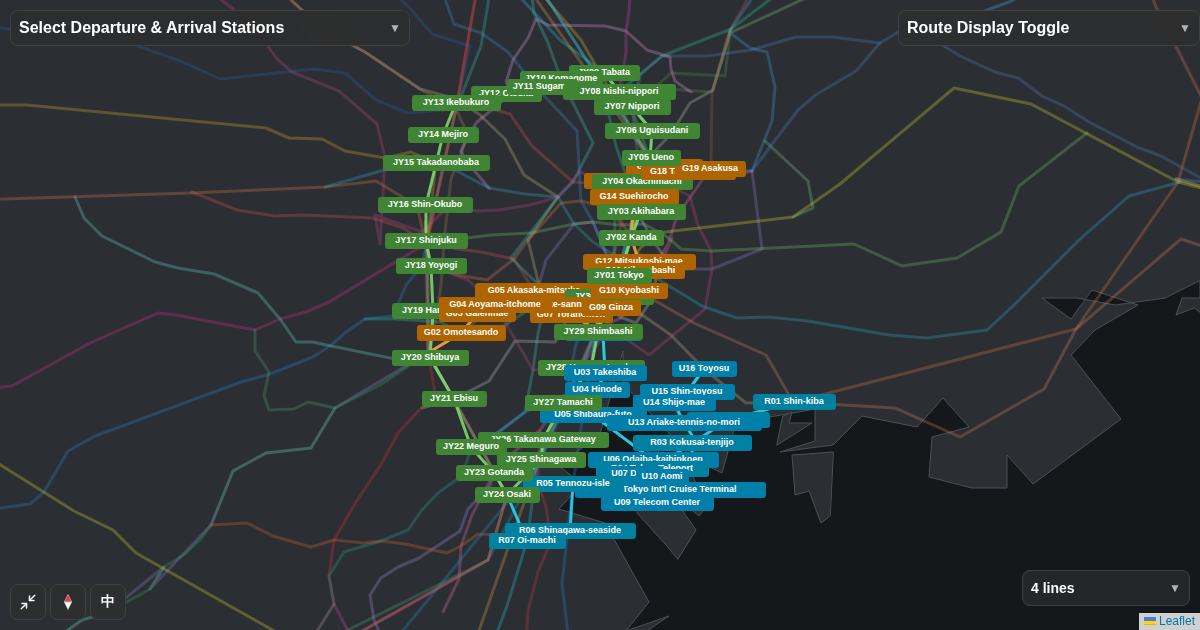
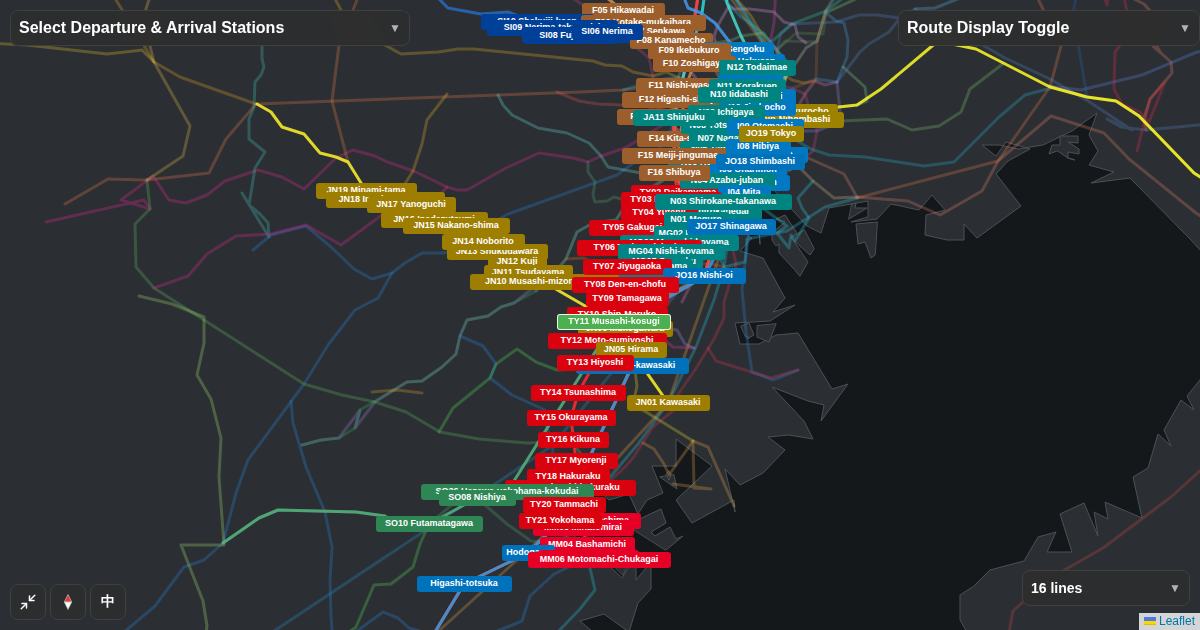
- Tokyo rail maps are hard to read because every line is shown at once
- Pick a departure and arrival station, and Flex Railway Map keeps only the lines related to that trip
- Unlike a route-search answer, you can compare other lines running the same way with your own eyes
01With every line on screen, you cannot find yours
Showing 15 major central Tokyo lines at once looks like the image below. Inside the Yamanote Line loop, lines and station names overlap, and just following one color takes time. Station maps are hard for the same reason: the problem is not missing information, but too much information that has nothing to do with your trip.
02Pick two stations and only the related lines remain
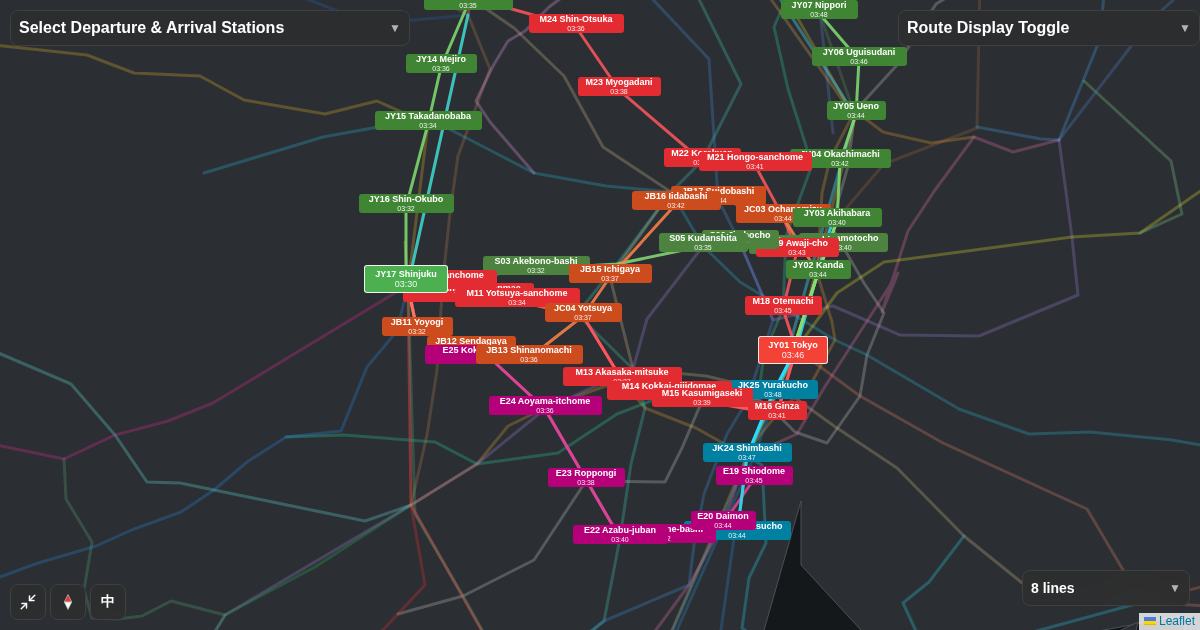
In Flex Railway Map, enter two stations in "Select Departure & Arrival Stations" at the top left. The lines used on the route between them and the lines passing through the two stations stay in color, and everything else fades. Stations on the route also show estimated arrival times.
03Not one answer, but the other ways to go
Route-search apps give you one best route, but when a delay or suspension makes it unusable, they do not tell you what to do next. A map that keeps only the relevant lines lets you see other lines running in the same direction.
From Fujisawa to Tokyo, you can see that besides the Tokaido Line, the Yokosuka Line through Musashi-kosugi and the Keihin-Tohoku Line through Kamata also run the same way. If one line stops, you can judge for yourself where to switch.
04When to use it
Even without local knowledge, you can follow only the lines you will use.
See the parallel lines and transfer stations, and choose a detour.
Keep only your usual lines and check branches and destinations quickly.
Switch to English, Chinese or Korean, and read direction from the flow of the line.
Open the Shinjuku to Tokyo example
The map opens with the departure and arrival stations already set. Change the stations and try your own trip.
Open the map →