- Do not read the whole map; follow only the color of the one line you use
- Even if you cannot read a station name, the station number (e.g. JY01) tells you the line and order
- When transferring, check the direction before the line name
01Why Tokyo rail maps look complicated
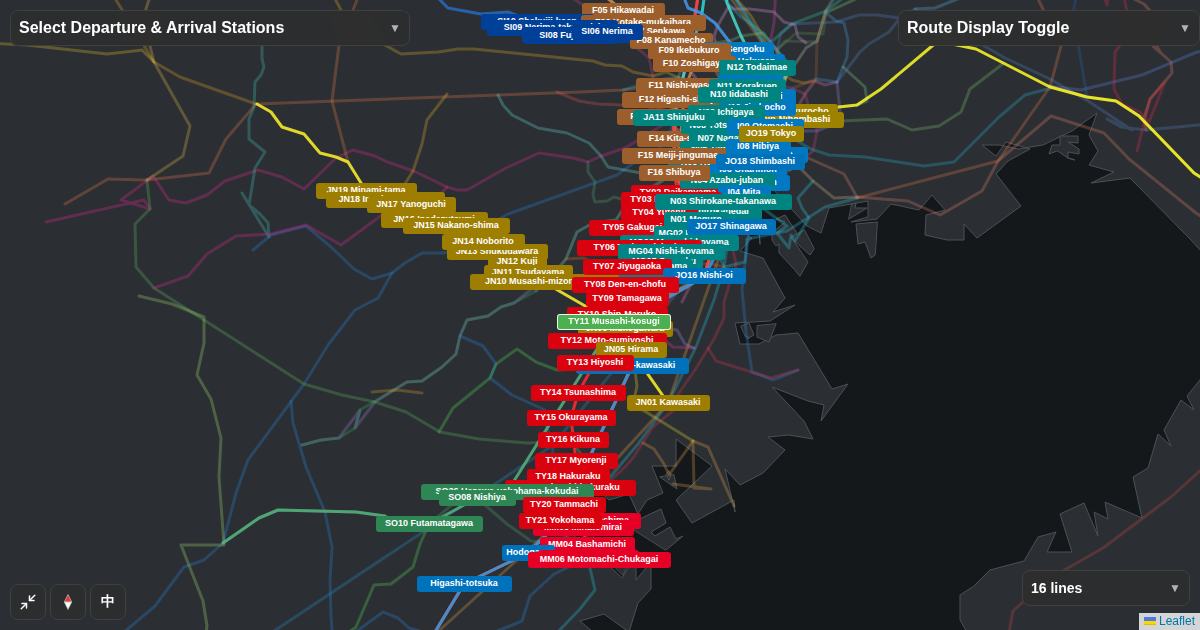
Lines from several companies — JR, Tokyo Metro, Toei Subway and private railways — are drawn on one sheet. Through services also mean one train can continue onto another company's line partway. Trying to understand everything at once leaves you unsure where to start.
02Tip 1: follow only the color of your line
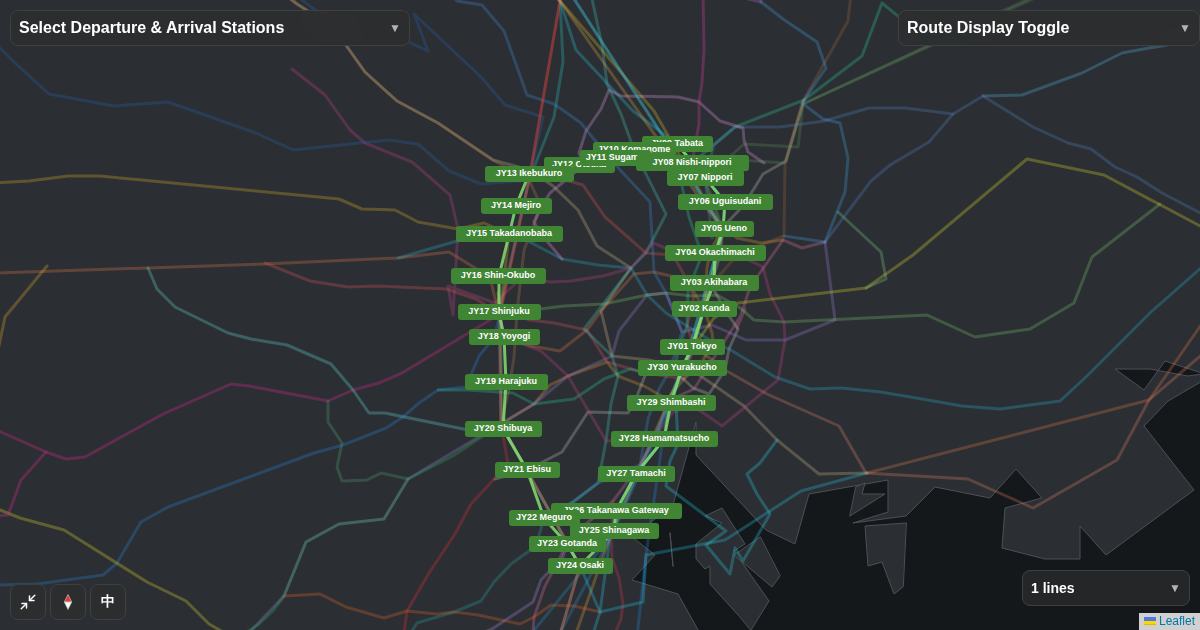
Once you decide which line to ride, follow only that color. In Flex Railway Map, keep only the Yamanote Line in "Route Display Toggle" and it becomes a single green loop, as below. You can read the order of stations and where other lines cross it.
03Tips 2 and 3: station numbers and transfer stations
In a station number, the letters stand for the line and the number for the station's order. For example, Tokyo Station on the Yamanote Line is JY01. Whether the numbers go up or down tells you which way you are heading.
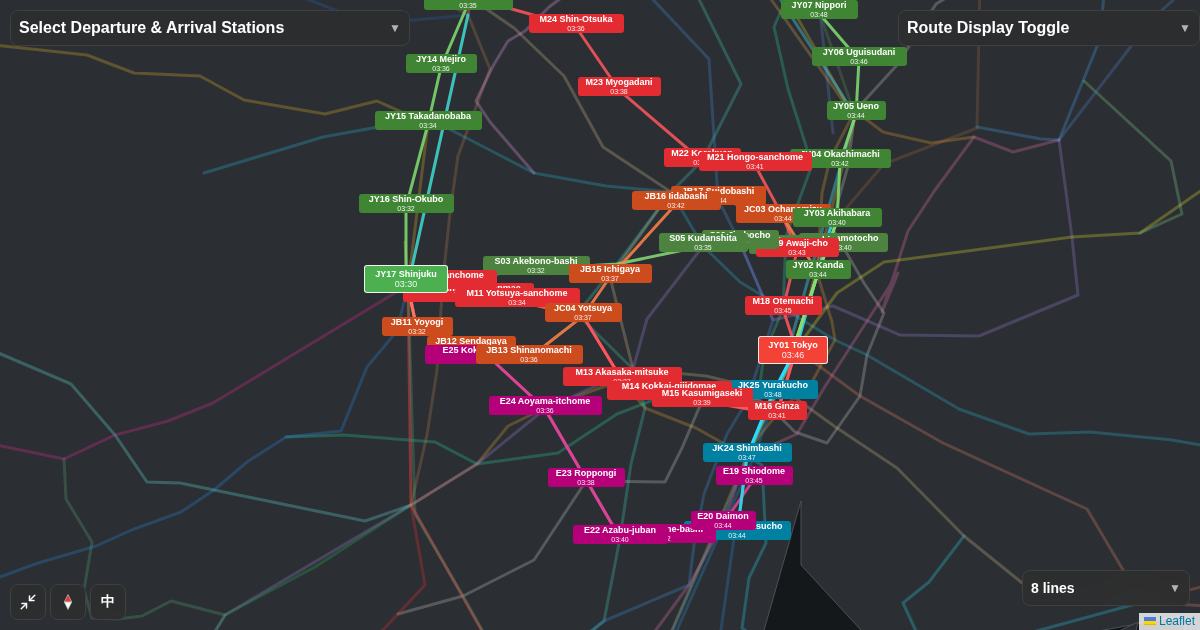
Stations where lines cross are transfer stations. Add the Chuo Line and the Marunouchi Line, and you can see the three lines meet at stations such as Shinjuku and Tokyo. The trick is to show only the lines you will actually transfer to.
04Check the direction before you transfer
- Find the color and symbol of the next line on the station signs.
- On the platform, check that the direction is toward your destination.
- Check the destination shown on the train before boarding.
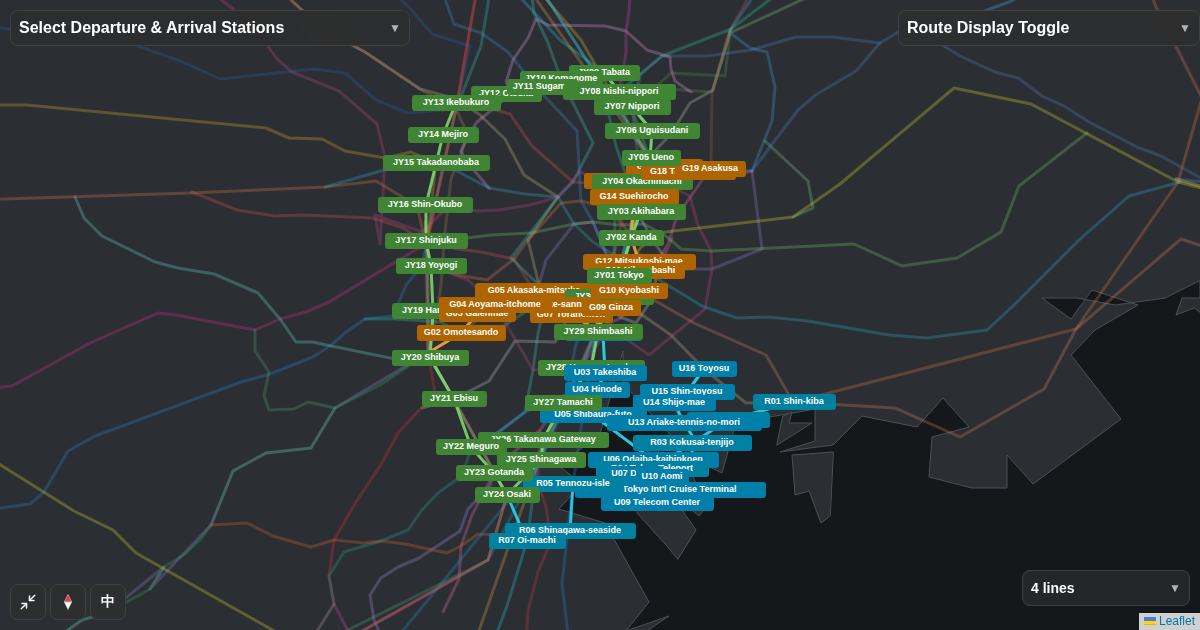
In the figure below, you can hide and show lines to see how fewer lines make the map easier to read.
Tap a chip to hide or show a line.
Open a map with only the Yamanote Line
The map opens with only the Yamanote Line. Add the lines you transfer to, one at a time.
Open the map →